
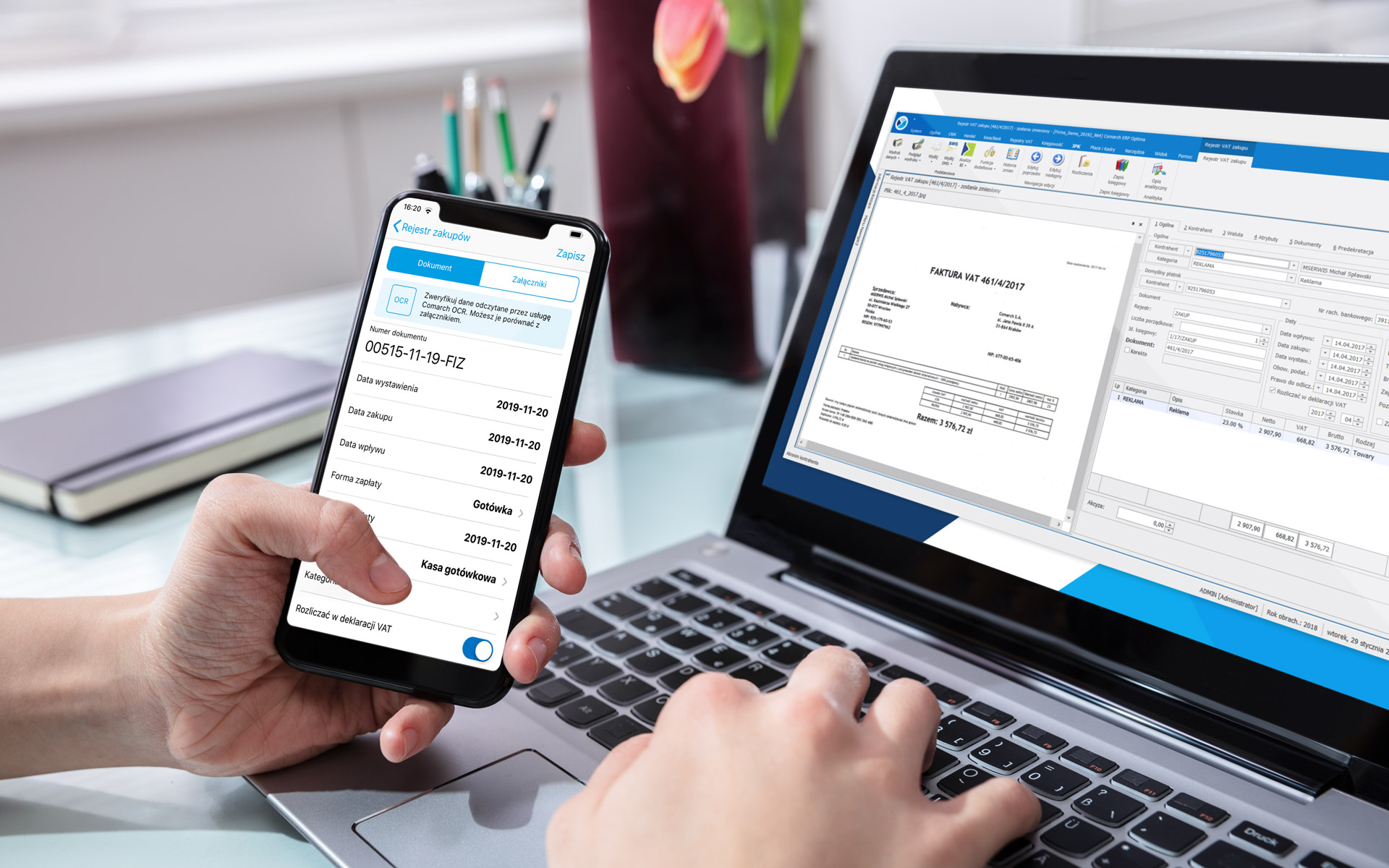
Stop Typing, Start Scanning: The Power of Gemini OCR for Expenses
Manual data entry is the biggest bottleneck in personal finance management. The time spent manually logging receipts, merchants, and amounts often leads to procrastination and inaccurate budgets. Trackit solves this with the integration of Gemini OCR (Optical Character Recognition), turning a quick photo into a perfectly logged transaction.
The Old Way vs. The Trackit Way
Before smart technology, keeping a precise expense record felt like a tedious chore. Our goal was simple: make expense logging faster than pulling out a pen.
The Automated Workflow in Three Seconds
- Snap: Take a quick photo of any paper receipt (restaurant, gas, retail).
- Scan: Gemini OCR instantly analyzes the image, locating the merchant name, the total amount, the tax, and the date.
- Smart Categorize: Our AI takes the extracted data and suggests the most probable category (e.g., "Dining" for a restaurant name), requiring just a single tap to confirm.
Speed and Accuracy Comparison
| Logging Method | Time to Complete (Avg.) | Error Rate |
|---|---|---|
| Manual Entry | 45-60 seconds | High |
| Trackit Gemini OCR | 2-5 seconds | Near Zero |
- Enable Camera Access for OCR
- Review a scanned receipt's categorization accuracy
- Test scanning different types of receipts
- Explore advanced OCR features
Deep Dive: How Smart Categorization Works
The real magic isn't just reading the numbers; it's understanding the context. Once the raw text is extracted, Trackit's core financial intelligence kicks in.
Key Data Points Extracted and Used
- Merchant Identification: The system matches recognized logos or specific business names against a global database to assign the correct vendor.
- Transaction Type Context: Based on vendor (e.g., "Shell" vs. "Netflix"), the AI can instantly infer the correct category, separating Income, Expense, or Transfer.
- Multi-Line Item Potential: While the summary focuses on the total, the OCR is powerful enough to extract line items, setting the foundation for future advanced tax reporting.

Integration and Real-Time Sync
The final step is integrating the scanned data seamlessly into your financial dashboard. Since Trackit is built on the T3 stack with real-time sync, the moment you confirm the scanned transaction, it updates your budget, your visual reports, and your group balances simultaneously.
// Simplified OCR Data Flow
const rawReceiptData = 'Total $45.99, Merchant: "Cafe Bella"';

function processOCR(data) {
  const transaction = {
    amount: parseFloat(data.match(Total $(d+.d+))[1]),
    merchant: data.match(Merchant: "(.*?)")[1],
    category: classify(data.merchant, 'Dining'), // AI Classification
    source: 'Gemini OCR Scan'
  };
  return transaction;
}

console.log('Processed Transaction:', processOCR(rawReceiptData));
The key to successful financial management is reducing friction. By replacing tedious typing with instantaneous scanning, Trackit ensures your records are always up-to-date and accurate, putting true financial clarity back in your hands.